All help pages
Approvals and Activity: you stay in charge
Anything that would leave Freehold, or save a file into your folders, waits for your yes in Approvals. Activity shows what your agents did by themselves.
Approvals
Before Freehold sends something to another app, or saves a file into one of your folders, it asks you. Each request shows exactly what would be sent or saved, and where. Approving it approves that one thing and nothing else.
- Click Approvals on the left. The number next to it shows how many requests are waiting.
- Open a request and read exactly what would be sent or saved.
- Click to approve it, or to turn it down.
Decided requests move to the Decided tab, so you can see later what you approved.
A tool of a connected app that you set to By itself doesn't come to Approvals. That setting is meant for tools that only look things up, such as searching your calendar. See Connect your other apps.
Activity
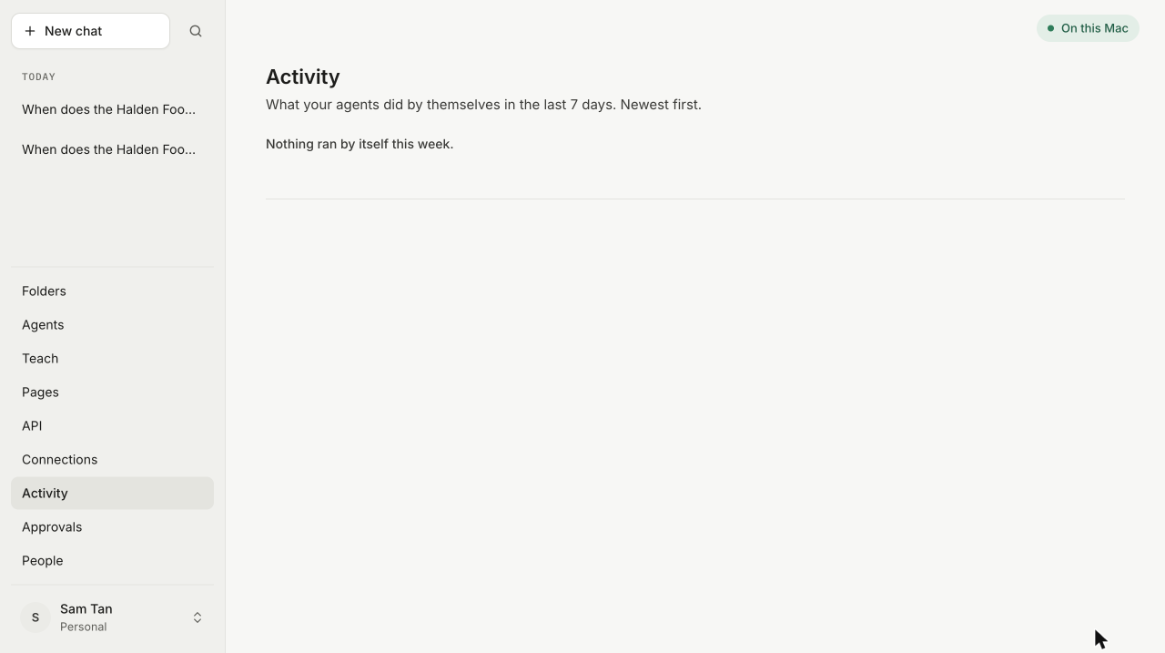
Click Activity to see what your agents did by themselves in the last 7 days, newest first: which agent, when, what it was given and what it made.
Good habits
- Read each approval before you click. If it's not what you expected, turn it down.
- For anything that sends, pays, changes or deletes something in another app, keep the setting on Ask me first.
- Check Activity now and then, especially after setting up a schedule.
Does something here not match what you see? Tell us, and say which page.