All help pages
Add a folder of your documents
Point Freehold at a folder on your Mac. It reads the files where they are, never changes them, and uses them to answer your questions.
When you add a folder, Freehold reads every file in it and remembers what each one says. When you ask a question, it finds the passages that answer it and shows you where they came from. Your files stay where they are, exactly as they were.
Add a folder
- Click Folders in the list on the left. (On the home screen you can also click Add a folder.)
- Click Add source in the top-right corner.
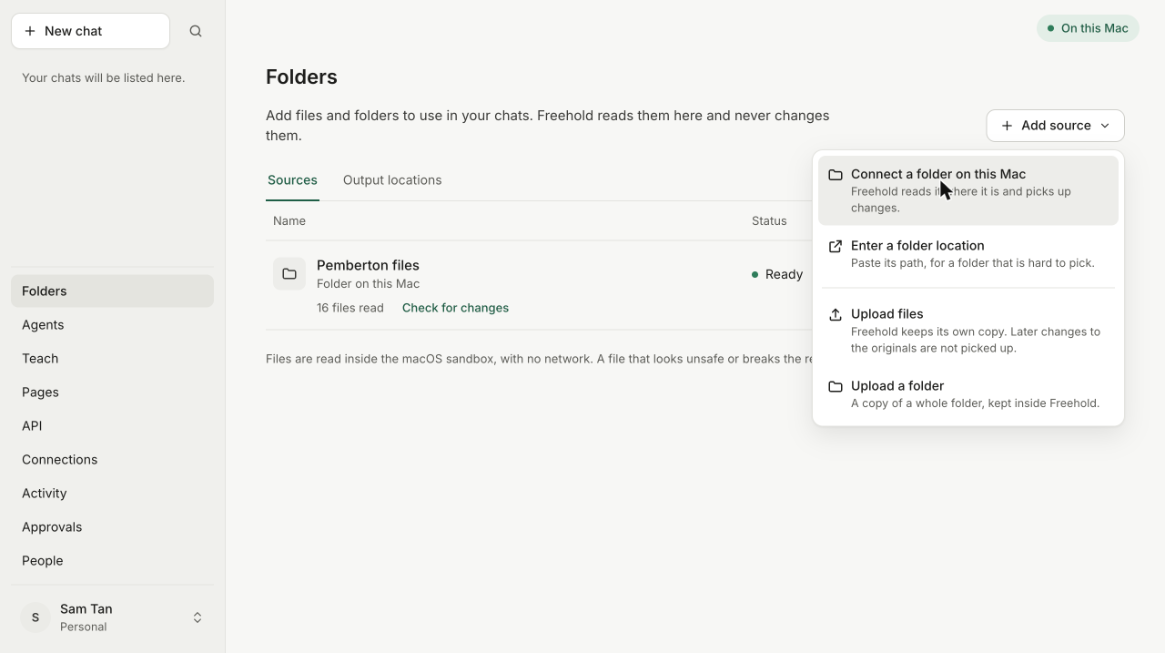
- Choose Connect a folder on this Mac.
- A Mac window opens. Find your folder, click it once, then click Open.
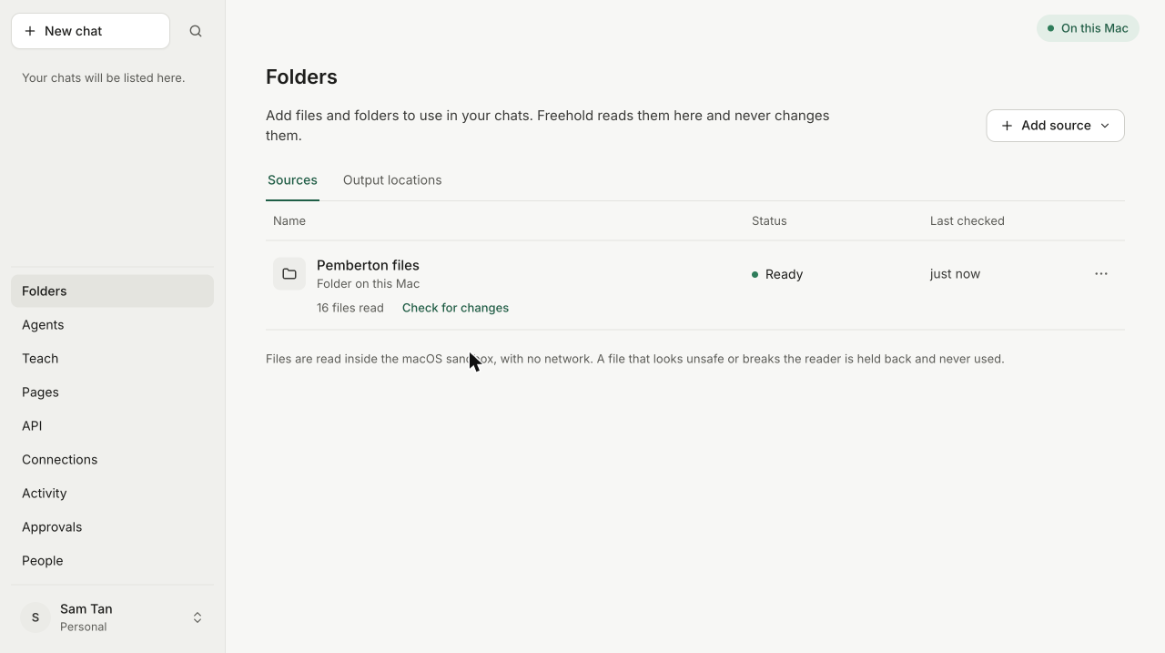
- Wait for the status to change to Ready. A large folder can take a few minutes the first time.
If your folder is in Documents, Desktop or Downloads, macOS asks whether Freehold may read it. Click Allow. You can change your mind later in System Settings, Privacy & Security, Files and Folders.
When it's done, the folder is listed with how many files Freehold read.
The four ways to add files
| Choice | What it does | Use it when |
|---|---|---|
| Connect a folder on this Mac | Reads the folder where it is, and notices when files change | Almost always |
| Enter a folder location | The same, but you paste the folder's location instead of picking it | The folder is hard to pick, for example on a shared drive |
| Upload files | Keeps its own copy of the files you pick. Later changes to your originals are not picked up | You want to add a few files, not a whole folder |
| Upload a folder | Keeps its own copy of a whole folder | The folder will be moved or deleted later |
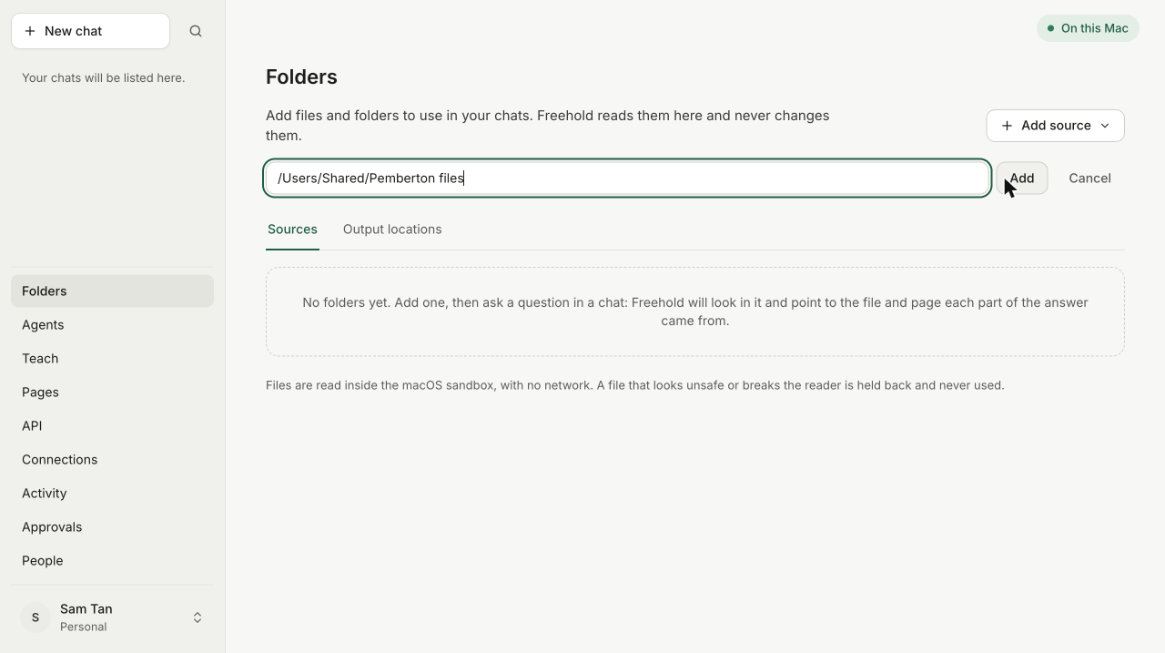
In the Finder, click the folder once, then hold the option key and choose Edit, Copy … as Pathname. Then paste it into Freehold.
Which files it can read
Text files, Markdown, CSV, JSON, PDF, Word (.docx) and Excel (.xlsx). A PDF that is only a scanned picture of a page has no text in it, so Freehold can't read it.
Files are read in a sealed area of your Mac with no internet. A file that looks unsafe, or that breaks the reader, is held back and never used. The folder's line says so if that happens.
Keeping up with changes
Freehold checks your folders again every ten minutes. A changed file is read again, a new file is added, and a deleted file stops being used. To check straight away, click Check for changes under the folder.
Remove a folder
Click the … at the end of the folder's line and choose Remove from Freehold. Freehold forgets what it read. Your files on the Mac are not touched. The same menu has Show files, which lists every file Freehold read from that folder, and Check for changes.
Folders belong to a workspace
Each workspace has its own folders. A folder you add in your Personal workspace can only be used by you. To share folders with colleagues, add them to a shared workspace. See Invite your team.
Output locations
The Output locations tab lists folders where Freehold may save files it makes, such as a Word report from an agent. Saving a file there always asks you first, in Approvals.
Does something here not match what you see? Tell us, and say which page.